

Alipay on this page is a payout destination — where your money goes. It is not a payment method for your buyers, who cannot pay with Alipay yet.
Setting Up a Payout Account
1
Verify your identity first
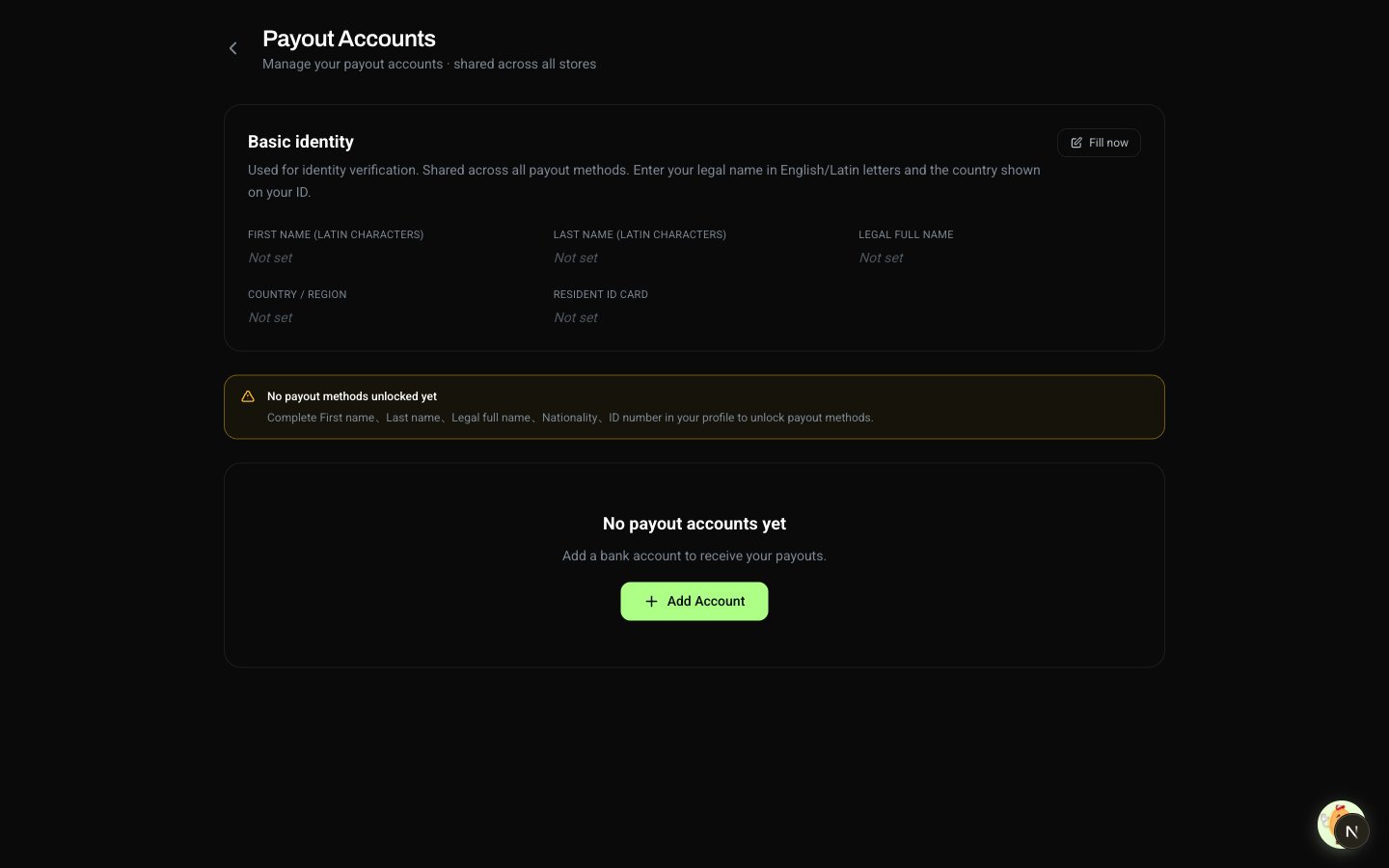
You can’t add a payout account without a verified identity — the holder name on every payout is taken from your legal name. See Identity Verification if you haven’t done this yet.
2
Open Payout Accounts
Click your avatar in the top-right and select Payout Accounts.
3
Pick a method and enter details
Choose Bank Card or Alipay and fill in the fields. Your name is filled in automatically from your identity — you don’t type it here.
4
Save
On your first payout to a new account, the bank confirms the holder name matches your verified identity. Once matched, the account is trusted for all future payouts.
Sensitive fields — ID number, bank account number, Alipay account — only show the last few characters after saving. The full value is only used when a payout is being processed.
Available Payout Methods
Alipay limits: payouts arrive in personal Alipay accounts in mainland China. Each payout is capped at RMB 50,000, and each recipient can receive a cumulative RMB 300,000 per year via Alipay. For larger amounts, use a bank card.
Current coverage: mainland China, settled in CNY. We are actively expanding to more regions and currencies — contact support to let us know what matters most to you so we can prioritize.
Request a payout method
Tell us which payout method and which region matters to you. Submissions feed directly into our roadmap prioritization.
Changing Your Payout Account
There is no Edit action. To change an account’s details, delete it and add it again — editing in place would silently create a duplicate, so the button was removed.
Common Issues
Why can't I add a payout account?
Why can't I add a payout account?
The most common cause is an incomplete identity. Without a verified identity, the form won’t save. Open Profile, fill in the required fields, then come back. See Identity Verification.
Why is the holder name not editable?
Why is the holder name not editable?
The holder name on every payout is taken from your verified legal name — automatically. This avoids typos that would bounce a payout. If your legal name needs to change, update it on Profile; if it’s already locked, contact support.
Can I add the same card twice?
Can I add the same card twice?
No. If you submit a card or Alipay account that’s already on file, nothing changes. Add a different account, or delete the existing one and re-add it.
My bank isn't on the supported list.
My bank isn't on the supported list.
Use Alipay, or contact support so we can prioritize adding your bank.