

Identity verification is required before you can add a payout account and request payouts.
What you’ll provide
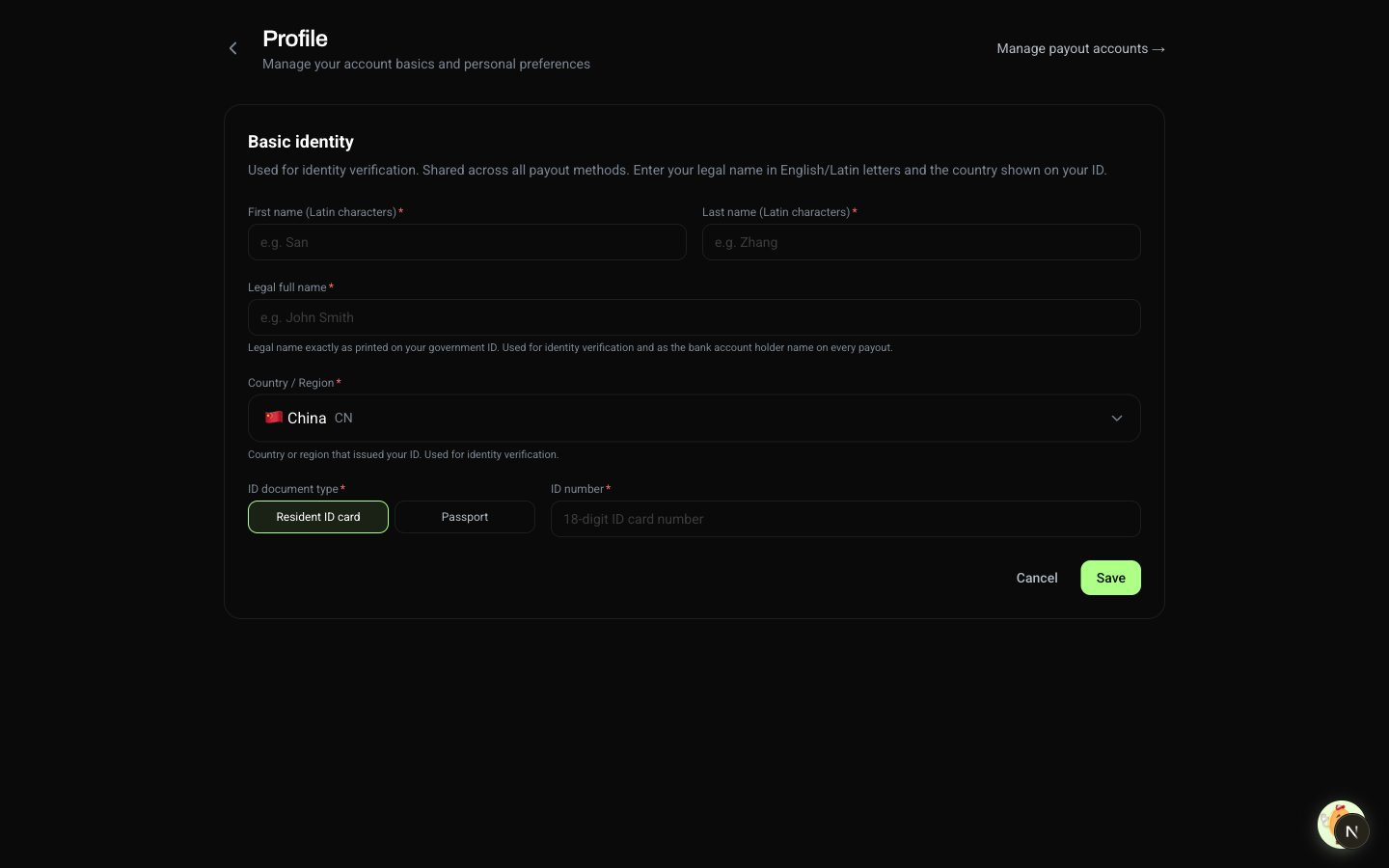
When you can edit your identity
Whether the core fields are editable depends on your payout history:- No payout activity yet — legal name, ID number, nationality, and ID type can all be edited freely. Previously empty fields can also be filled in any time.
- A payout is in progress, or you have one or more successful payouts on record — the core fields are locked from self-edit. Contact support if you legitimately need to update one (for example, a legal name change with supporting documentation).
Paying out to a company account
In beta. Payouts to company accounts are now in beta. The first release supports company bank accounts in the United States, Singapore, Hong Kong SAR, and mainland China. Once enabled, you’ll provide your company details separately so we can match the holder name on company payouts. Accounts onboarded as individuals can also switch to a company entity. To join the beta, fill out the sign-up form. Until the general release, accounts not enrolled in the beta continue to use the individual identity on the account for payouts.