> ## Documentation Index
> Fetch the complete documentation index at: https://docs.waffo.ai/llms.txt
> Use this file to discover all available pages before exploring further.
# Revenue
> Per-store income from successful payments
The **Revenue** page in the sidebar shows the income flow for the **current store**. Each row is a successful payment that contributed revenue.
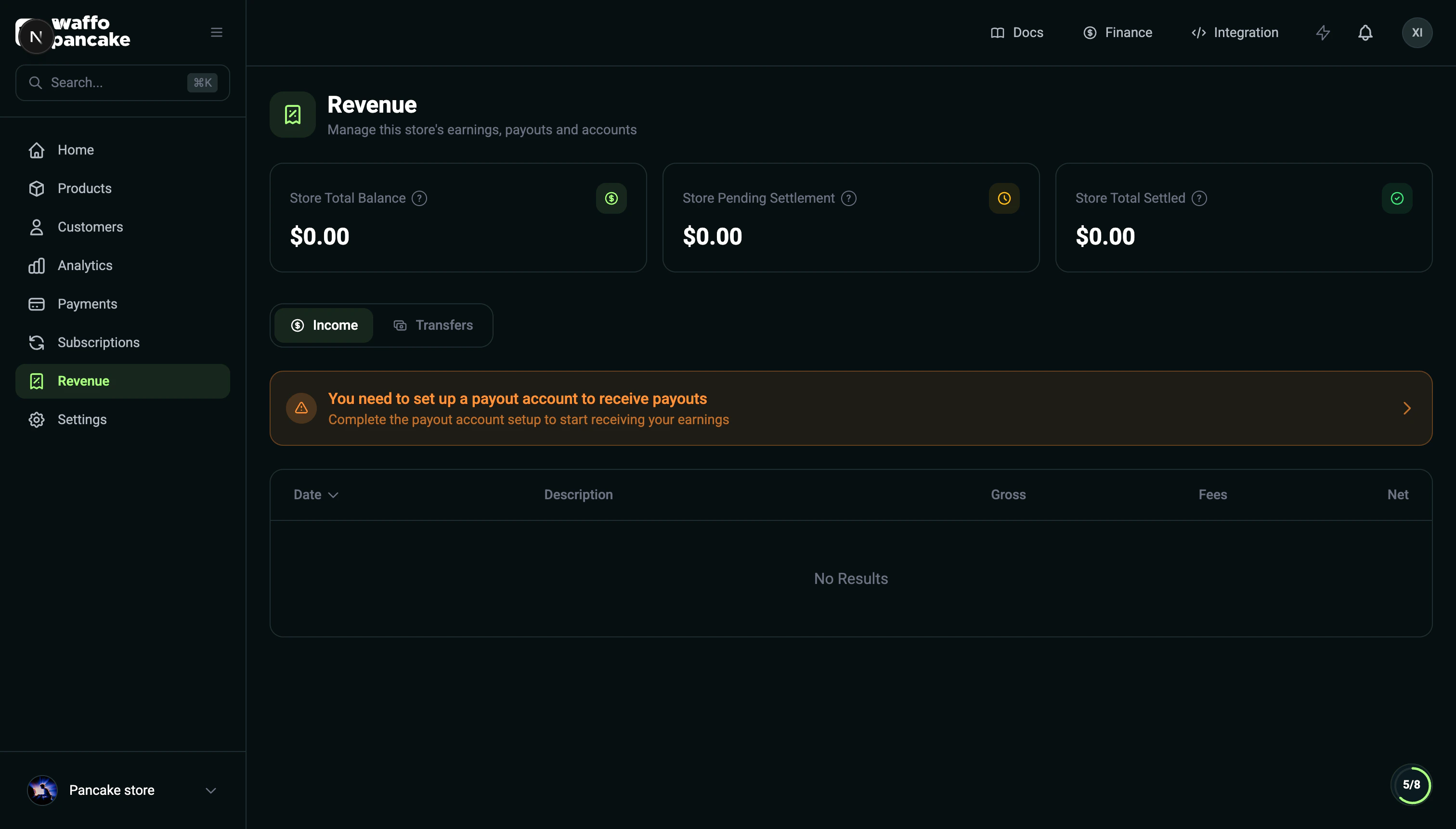 ## Income Table
| Column | Description |
| ----------- | ---------------------------------------------------------- |
| Date | When the payment was completed |
| Description | Payment details (product name, subscription renewal, etc.) |
| Gross | Total amount the buyer paid |
| Fees | Processing fees deducted from the gross amount |
| Net | Net amount after fees |
## How it relates to Merchant Finance
Each store's settled revenue flows automatically into your **merchant balance** — there is no per-store withdrawal. To request a payout or see your pooled balance, open [Merchant Finance](/merchant/finance) from the user menu (top-right avatar).
## Income Table
| Column | Description |
| ----------- | ---------------------------------------------------------- |
| Date | When the payment was completed |
| Description | Payment details (product name, subscription renewal, etc.) |
| Gross | Total amount the buyer paid |
| Fees | Processing fees deducted from the gross amount |
| Net | Net amount after fees |
## How it relates to Merchant Finance
Each store's settled revenue flows automatically into your **merchant balance** — there is no per-store withdrawal. To request a payout or see your pooled balance, open [Merchant Finance](/merchant/finance) from the user menu (top-right avatar).